🎓 Gateway Training

Master your
payment gateway.

Step-by-step video tutorials covering every feature of your virtual terminal — from running your first sale to setting up recurring billing and customer vaults.

Video Tutorials

Everything you need to run your gateway.

Watch these short walkthroughs to get up and running quickly. Each tutorial covers a specific feature so you can find exactly what you need.
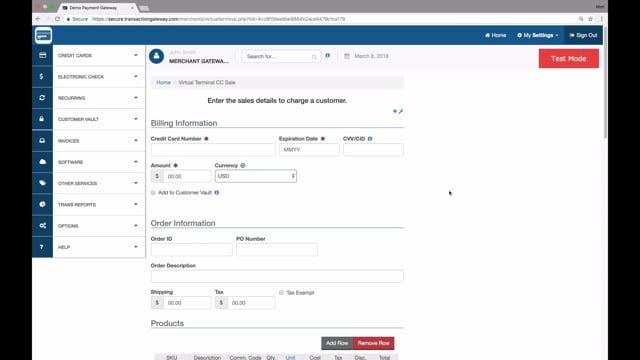
Run a Sale Transaction
▶ Watch on Vimeo
Tutorial 01
Run a Sale Transaction

Learn how to process a transaction from start to finish. Covers required fields for credit cards and checks, how to hide and show fields, and how to print or email receipts to your customer.

Watch tutorial
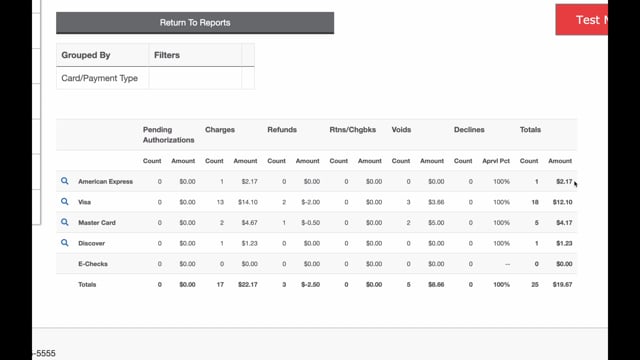
Reports
▶ Watch on Vimeo
Tutorial 02
Reports

Discover the gateway's full reporting capabilities. Learn to search transactions by specific criteria, void or refund from reports, print or email receipts, and create subscriptions directly from transaction records.

Watch tutorial
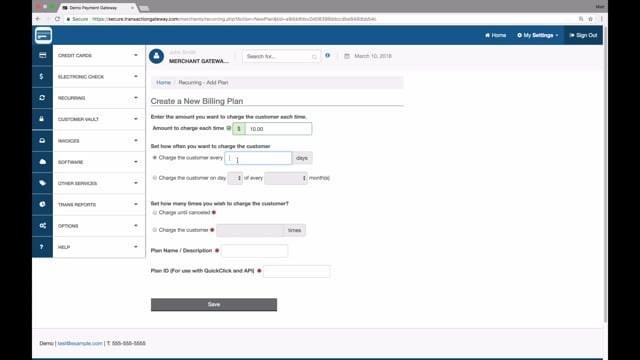
Recurring Billing
▶ Watch on Vimeo
Tutorial 03
Recurring Billing

Learn the two facets of recurring payments — plans and subscriptions. Get step-by-step instructions on how to set up billing plans and add subscribers for automatic recurring payments.

Watch tutorial
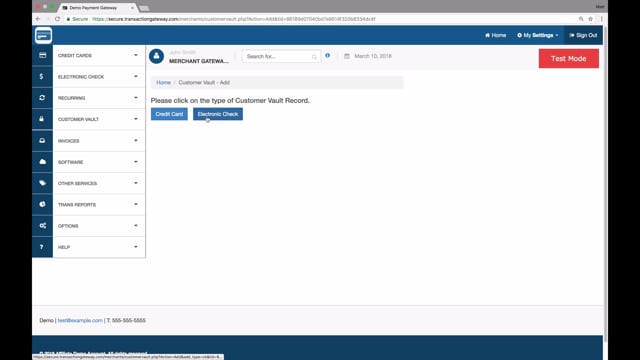
Customer Vault
▶ Watch on Vimeo
Tutorial 04
Customer Vault

Learn how the Customer Vault securely stores customer payment data. Covers adding and managing customer profiles and how to run a transaction directly from existing vault records — no re-entry needed.

Watch tutorial
Void or Refund Transaction
▶ Watch on Vimeo
Tutorial 05
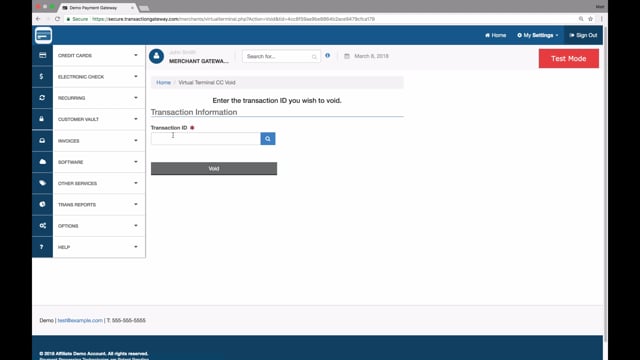
Void or Refund a Transaction

Learn the difference between voiding and refunding, and when to use each. Step-by-step instructions on stopping an unsettled transaction and returning funds to your customer's card.

Watch tutorial
Invoicing
▶ Watch on Vimeo
Tutorial 06
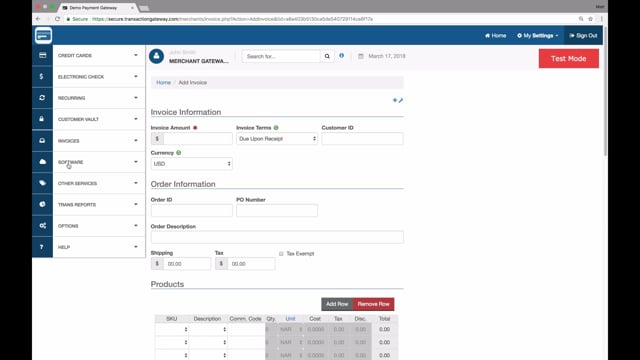
Invoicing

Learn to create professional invoices within the gateway. Covers setting amounts, payment terms, accepted payment methods, and order details — plus how to manage and track all created invoices.

Watch tutorial
QuickBooks Sync
▶ Watch on Vimeo
Tutorial 07
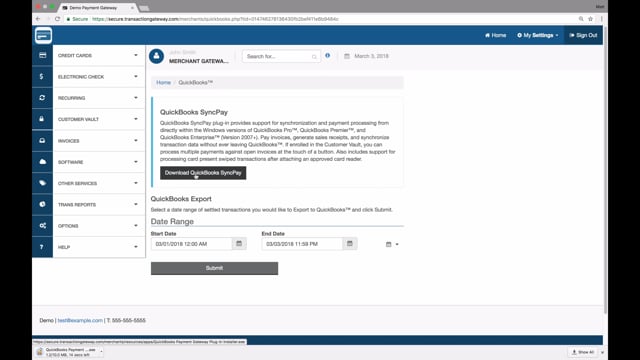
QuickBooks Sync

Everything you need to know about QuickBooks SyncPay — from initial installation through processing invoices, handling sales receipts, and syncing your settled transactions directly to QuickBooks.

Watch tutorial
About Your Gateway

Powerful tools built into every account.

CHIP
SWIPE
TAP
NFC
$
Accept All Payment Types

Credit cards, debit cards, ACH/eCheck, and more — process any payment method your customers prefer through one unified interface.

PCI DSS
COMPLIANT ENVIRONMENT
PCI-Compliant & Secure

Your gateway uses tokenization and end-to-end encryption. Card data is never stored in plain text — fully PCI DSS Level 1 compliant.

Revenue
↑ 18.4%
Real-Time Reporting

Access transaction history, settlement reports, and batch summaries from any browser — desktop or mobile, any time of day.

AUTO
Monthly · $99 Active
Annual · $499 Active
Set once · bill forever
Recurring Billing

Automate repeat charges for subscriptions, retainers, or installment plans. Set it once and let the gateway handle collections.

J. Smith
••• 4291
A. Lee
••• 8847
M. Kim
••• 0033
Secure · PCI-Compliant
Customer Vault

Store customer payment details securely for future use. Ideal for repeat customers — one click to charge without re-entering card info.

PAY NOW
Create
Send
Customer pays
Settled ✓
End-to-end in minutes
Invoicing & QuickBooks

Send professional invoices directly from the gateway and sync settled transactions to QuickBooks — no manual data entry needed.

Need help getting
set up?

Our team can walk you through your gateway setup, answer questions about specific features, or schedule a live training call at a time that works for you.